You upload the 80-page staff handbook, ask what the notice period is, and get a confident answer that does not match page 60. The file is right there. The tool said it had read it.
It did not read it. Almost every “upload your documents” feature works by cutting your file into fragments, finding the handful that look relevant to your question, and showing the model only those. The technique is called retrieval-augmented generation, or RAG, and knowing what it does to a document explains most of the ways these tools disappoint you.
*This explainer is built from vendor documentation and the original paper, checked on 20 September
- Nothing here was tested hands-on. Where a number comes from one vendor’s documentation, it is
labelled — these settings differ between products and change often.*
The short version
- Your document is split into chunks before the model ever sees it.
- The model is shown only the chunks a search step judged relevant — often around ten of them.
- If that search misses, the model answers anyway, from general knowledge, and sounds the same doing it.
- Below roughly 500 pages, the vendors’ own advice is to skip retrieval and paste the lot in.
What RAG actually is
The name comes from a 2020 paper by Patrick Lewis and eleven co-authors, first posted in May 2020 and revised through April 2021. Their idea was to combine what they called parametric memory (everything baked into the model’s weights during training) with non-parametric memory, a searchable index the model consults at the moment of answering. The paper reported that models built this way produced “more specific, diverse and factual language” than the equivalent model working from its weights alone.
Strip the vocabulary away and RAG is two steps: search first, then answer. A retrieval step finds passages that look relevant to your question. Those passages get pasted into the model’s prompt, in front of your question, and the model answers from what it has been handed.
That second step is the part worth holding on to. The retrieved passages arrive as ordinary text in the prompt. They are not a special channel, and the model has no way of knowing whether the search did a good job.
What happens to your file
When you attach a document, it is parsed, cut into chunks, and indexed so the chunks can be searched later. The cutting happens at upload time, not when you ask your question.
The numbers, from the documentation
OpenAI publishes its defaults, which makes them worth quoting precisely. In its retrieval guide, max_chunk_size_tokens defaults to 800 and chunk_overlap_tokens to 400 — so each fragment is roughly 800 tokens with a 400-token run-up shared with the fragment before it. A search returns “10 results maximum by default”, raisable to 50. Files can be up to 512 MB and five million tokens.
Put that against a real document. At the rough conversion of four characters to a token, an 80-page handbook is somewhere around 40,000 tokens — call it fifty-odd chunks. Ask a question and the model is handed about ten of them. It is reading perhaps a fifth of the handbook, chosen by a search step you cannot see, and it is being asked to sound authoritative about the whole thing.
Two honest caveats. Those figures are the developer API’s documented defaults, and this is the clearest published set we could point to. Consumer chat products run their own settings and generally do not publish them, so treat the numbers as the shape of the thing rather than a spec for the app on your screen. And a larger max_num_results is not a free win — more chunks means more of what you pay to re-read on every turn.
Why the answer misses things that are plainly in the document
Three failure modes, and they compound.
The chunk loses its meaning when it is cut out. Anthropic’s engineering post on contextual retrieval (19 September 2024) gives the cleanest example: a chunk reading “The company’s revenue grew by 3% over the previous quarter” does not say which company or which quarter. As a standalone fragment in a search index, it is nearly useless — and your handbook is full of sentences that only make sense under a heading three pages up.
The search step simply misses. In Anthropic’s own experiments, described in that post, a standard setup failed to retrieve the right chunk in the top twenty 5.7% of the time. Their improvements brought that down — to 3.7% with contextual embeddings, 2.9% adding a keyword search, and 1.9% with a reranking step on top. Those are their 2024 measurements on their test set, not a general failure rate, and the product you are using may be better or worse. The number to take away is not 5.7%; it is that a retrieval miss is a normal, expected event that the system is designed around.
When the search misses, the model does not stop. This is the part that catches people. Nothing tells the model “the relevant passage was not found”. It receives ten chunks that do not answer your question and a question it is expected to answer, so it answers from general knowledge instead — in the same tone, the same format, often with a citation to one of the chunks it was given. A retrieval failure and a good answer look identical from the outside.
That is also why “it cited the document” is not proof. The citation tells you which chunk was retrieved, not that the chunk supports the claim, so it is still worth a moment to check the citation against the source.
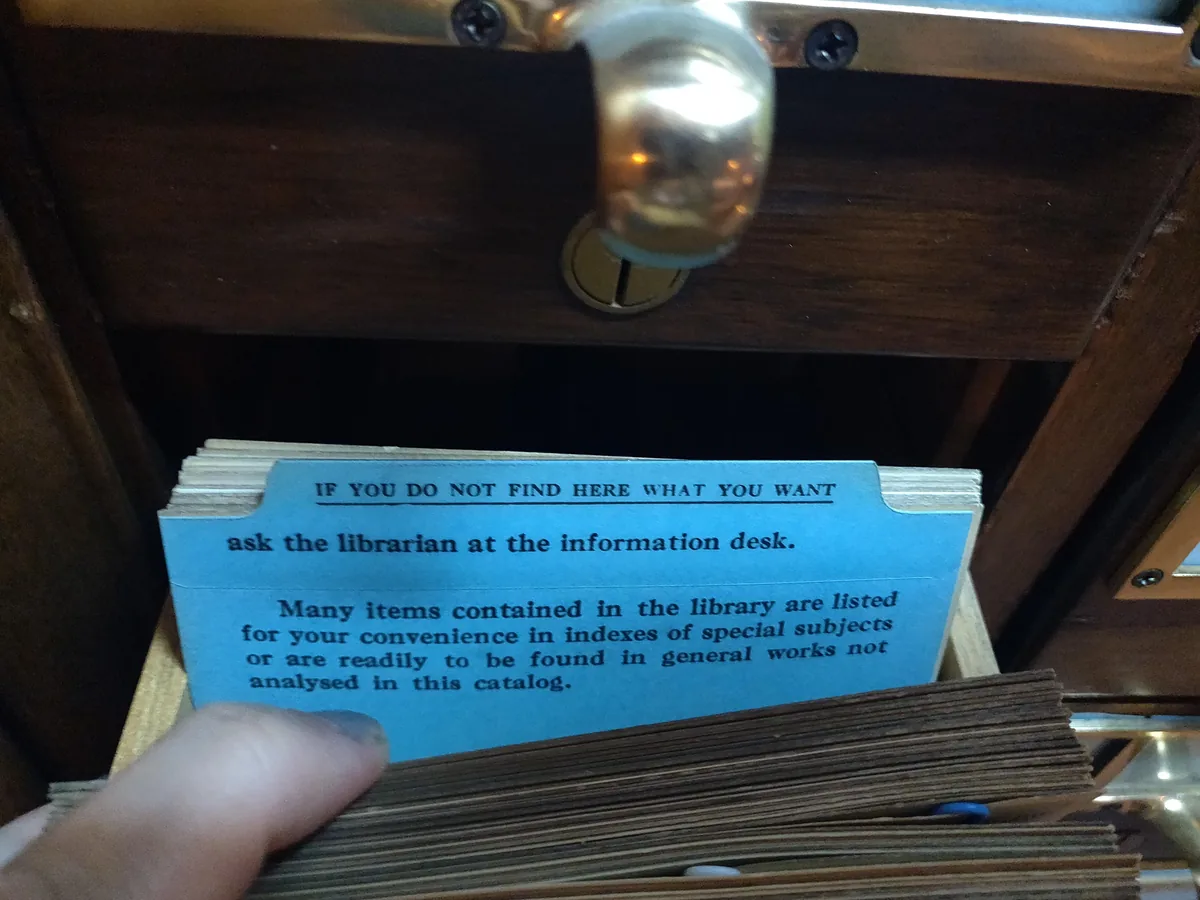
Card catalogues had an answer for the retrieval miss, printed on a guide card: if the index does not have what you want, go and ask a person. A retrieval system has no equivalent card. It returns its best ten fragments either way, and the model answers from them.
Do you even need it? The 500-page rule
Retrieval exists because you cannot fit everything in at once. When you can, it stops earning its place.
Anthropic’s advice in that same post is unusually direct: “If your knowledge base is smaller than 200,000 tokens (about 500 pages of material), you can just include the entire knowledge base in the prompt that you give the model, with no need for RAG or similar methods.” They note that prompt caching makes this approach cheaper and faster — reducing latency by more than 2x and costs by up to 90% on repeated prompts.
Two things to hold in mind about that rule. It is guidance for developers working with Anthropic’s API in September 2024, not a universal law, and flagship windows have grown since. But the direction of travel makes it more true, not less: the larger the window, the more documents fall under the threshold. For most people’s actual use (a contract, a report, a handbook, a folder of meeting notes), you are nowhere near 500 pages, and pasting the whole thing in beats any retrieval setup.
The trade-off is the one covered in our piece on what fits in the window at once: a full window is not a free lunch, and accuracy degrades as it fills. Retrieval’s real advantage is not accuracy. It is that it scales to document collections no window will ever hold.
What you can actually control
You cannot change the chunk size in a chat product. You can change everything below.
- Give it less. Three relevant pages beat the 80-page file. You are doing the retrieval step yourself, and you are better at it than the search is, because you know what you meant.
- Ask in the document’s language. The search matches your question against passages. If the handbook says “termination”, asking about “quitting” gives it less to match on. Try the term the document uses.
- Ask narrow questions, one at a time. A question with three parts needs chunks covering all three in one top-ten. Splitting it into three questions gives each its own search.
- Ask where it got that. “Which section of the document says that?” is cheap and often exposes a miss immediately — the answer names a section that does not contain the claim, or gets vague.
- Notice the tell. Answers that restate general knowledge in your document’s vocabulary, without a specific section, number or phrase, usually mean the retrieval missed and the model carried on.
- When it matters, do not rely on it. For a notice period or a payment term, open the document and search it. The AI is a faster way to find the page, not a substitute for reading it.
Which failure are you looking at?
| What you see | Most likely cause | What to try |
|---|---|---|
| Confident answer, no specific section or figure | Retrieval missed; answered from general knowledge | Ask which section; paste the relevant pages directly |
| Right section cited, wrong claim attached | Chunk retrieved but does not support the answer | Open the cited section and read it |
| Correct on page 1, wrong on page 60 | Only early chunks retrieved | Ask about page 60’s topic in its own words |
| Was right earlier in the chat, wrong now | Not retrieval — the conversation has grown | See what fits in the window at once |
| Contradicts itself between two answers | Different chunks retrieved each time | Ask both questions in one message with the pages pasted in |
The thing worth remembering
Uploading a document does not hand it to the model. It hands it to a search engine, and the model sees whatever the search returns. So the useful question when an answer looks wrong is not “why did it lie?” but “did it ever see the page?” — and the fastest way to find out is to ask which section it used, or to paste the page in yourself and ask again.
Header photo: University of Texas at Arlington Photograph Collection / Wikimedia Commons, CC BY 4.0.