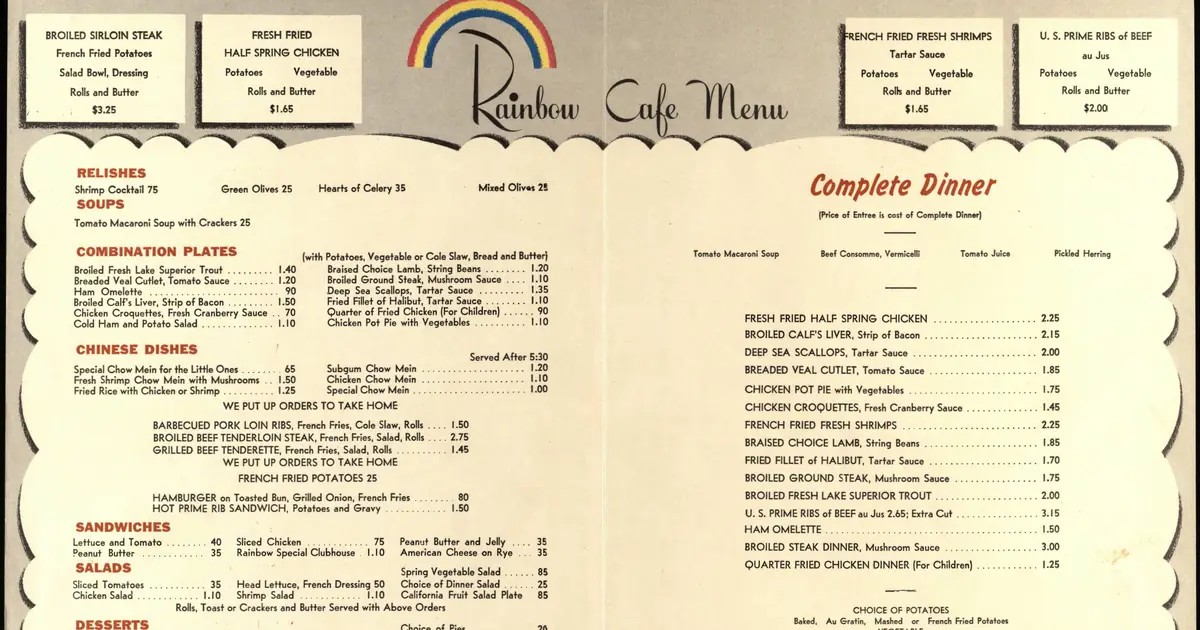
Yes, if the PDF contains real text. Google says it converts a PDF’s text into an HTML version while indexing it, and from then on treats it much like any other page, including in AI Overviews and AI Mode. The catch is a menu that was scanned, or exported as pictures of pages: then there is no text for anything to read. And even a well-made PDF is slower and fiddlier on a phone than a menu written as a web page.
Built from Google’s Search Central documentation, its Business Profile help pages and the transcript of Google’s Search Off the Record podcast, episode 115 (13 October 2026), all read on 1 November 2026. We did not test any restaurant’s website. We found no documentation from OpenAI, Anthropic or other AI companies on how their assistants handle PDF menus, so nothing below speaks for them.
The short version
- Google lists PDF among the file types it can index.
- In episode 115, Google’s Martin Splitt describes a converter that turns a PDF into HTML before it reaches the index, after which “indexing and ranking is pretty much the same as any other document”.
- His colleague John Mueller adds that PDFs can also appear in AI Overviews and AI Mode.
- A scanned or picture-only PDF has no text left to index. Google’s quick test: select all the text and paste it somewhere.
- Asked about restaurants directly, Mueller said a PDF menu beats having no menu, but he prefers a normal web page because it is easier to read on a phone.
Where “AI can’t read PDF menus” comes from
Search for this question and much of what comes up is written by companies that sell to restaurants. We read two of those pages in full on 1 November, one from a restaurant marketing platform and one from a service that digitises menus. Both say AI tools struggle to read, or cannot index, PDF and image menus. Neither cites any documentation for it.
For Google’s own systems, the company says the opposite. Splitt explained that Search has converters for several document formats, including one for PDFs, so the rest of the pipeline works with HTML (episode 115 transcript, at 03:08). In the same episode, Mueller said he had also seen PDFs referenced in other AI systems and assumed they use them, while being clear that this was his assumption rather than something he knew.
So “AI skips PDF menus” is unproven, and “AI reads PDF menus fine” is documented only for Google. What holds everywhere is narrower: nothing can read text that isn’t there.
The five-minute check
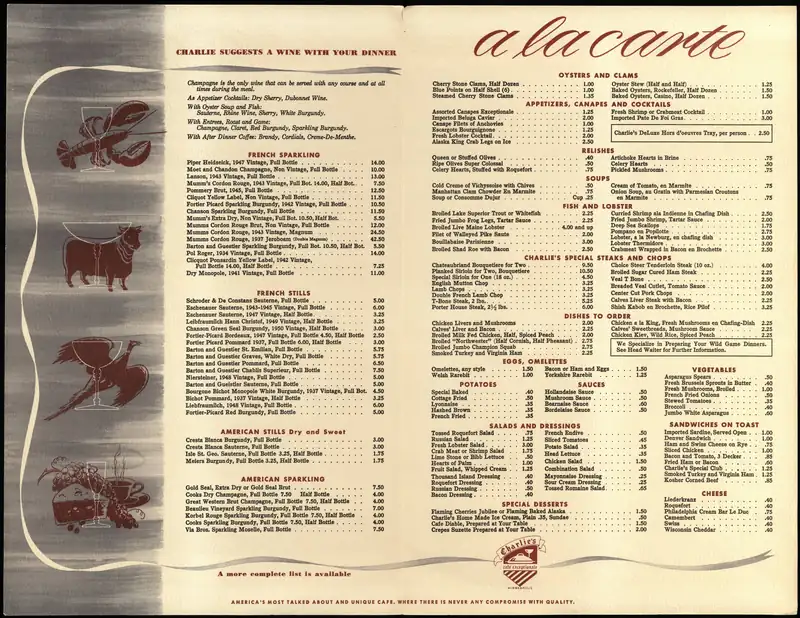
- The copy test. Open your menu PDF, select all the text (Command+A on a Mac, Ctrl+A on Windows), copy it and paste it into a blank document. If the dish names and prices appear, the PDF contains real text. If nothing pastes, or only a few stray characters do, the menu is a picture of text. Splitt called these “rasterized” pages the worst PDF problem, because all the text content is lost. The fix is to export the menu again as a PDF from the file it was designed in (Word, Canva, InDesign) rather than scanning a printed copy, or to retype it.
- Read it on your own phone, on mobile data. Splitt pointed out that a phone has to download the whole PDF before showing anything, whereas a web page starts appearing straight away, and that some PDFs don’t reflow when you zoom. If you find yourself pinching and scrolling sideways to read prices, so do your customers.
- Make it one tap from your homepage. A plainly labelled link such as “Dinner menu (PDF)” is our suggestion, not Google’s rule, but a menu nobody can find doesn’t help anyone.
- Put the menu on your Google Business Profile too. Google’s menu editor, available to food and drink businesses, accepts photos or a PDF of your menu and has a field for a link to the menu on your website. There is also an experimental option that uses AI to turn a menu photo or PDF into a structured menu; Google’s own instruction is to review it for accuracy, and that review is worth doing properly (a five-minute routine for checking AI output). Google says changes can take 24 to 48 hours to appear on Maps and Search.
When a PDF is fine, and when a menu page earns its keep
Mueller’s advice to small restaurants was pragmatic: spend your energy where it counts. If producing a web version is a lot of work, keeping the PDF is reasonable; if copying the menu into a page is easy, do that too. Here is how we would weigh it.
| Your situation | A text PDF is fine | A menu web page is worth it |
|---|---|---|
| The menu was designed for print and rarely changes | Yes, if it passes the copy test | Optional |
| Most customers look you up on their phone | Works, but slower and harder to zoom | Yes |
| Prices or specials change every week or two | Re-exporting and re-uploading gets old | Yes: editing a page is quicker |
| All you have is a scan of the printed menu | No: it fails the copy test | Yes, or a properly exported PDF |
The right-hand column is our judgement from Google’s comments on phones, not a ranking rule. Google did not say an HTML menu ranks better than a text PDF.
What this means for AI answers
For Google, a PDF that works in Search works in its AI features as well; Splitt summed it up as good SEO being good for AI answers, at least on Google’s systems. For other assistants there is simply no documentation to go on. The same three things help in every case: the menu exists as real text, it opens quickly on a phone, and it says the same thing as your Business Profile.
That last point matters because an AI answer can only repeat what it found, and it can still get details wrong when sources disagree. Models can also read some text in photos (how they handle an uploaded image), but Google’s own team says you can’t rely on that for scanned pages, so don’t make your menu depend on it.
The one thing worth doing this week
Run the copy test on your menu. If the text pastes, your PDF is readable and the rest is polish. If it doesn’t, re-export or retype it before anything else.
How this was made. AI Decode Wire uses AI tools for research and drafting. Factual claims link to their sources, and errors are corrected in the open. AI-assisted content policy · Report an error