When you hand a chatbot a photo of a receipt, the model never sees your photo. It sees a copy that has often been shrunk to fit a size limit, then cut into a grid of small squares that are counted as tokens, the same units your text is measured and billed in. Those two steps explain why small print is often the first thing to go, and what an image actually costs.
“Multimodal” just means a model that takes more than one kind of input in the same conversation: text, plus images, and on some models audio, video and PDFs. This piece sticks to images, because that is what most people send.
Built from Anthropic’s, OpenAI’s and Google’s developer documentation, re-checked on 18 October 2026. Nothing here was tested hands-on. Token figures are the vendors’ own examples or our arithmetic on their published rules, and they change with each model generation. These are the rules for developers; the consumer apps do not publish theirs, so treat them as how the models underneath work, not as a description of any one app.
The short version
- Your image may be shrunk before the model looks at it. Claude and Gemini cap how much of an image they keep. OpenAI’s newest models let the developer choose, and the default keeps the full size.
- It is then cut into squares, and the squares become tokens. A large photo costs anywhere from a few hundred to over ten thousand tokens, depending on the vendor and the setting.
- All three vendors document the same kinds of weak spots: small text, rotated images, counting and precise positions.
- Most of it is fixable before you press send. Upright, sharp, cropped to what matters, and ask the model to show you what it read before it tells you what it concluded.
First, your image may get smaller
Every vendor sets a ceiling on how much image a model will take in. What happens above the ceiling is the part that matters.
Claude downscales anything over its limit. On Claude 4.7 and later, the limit is 2,576 pixels on the long edge; on earlier models it is 1,568 pixels. In Anthropic’s own table, a 4K screenshot (3840×2160) is reduced to 2576×1449 on the newer models and to 1456×819 on the older ones (Anthropic).
Gemini 3 and Gemini 4 work to a budget per image rather than a pixel size. A setting called media_resolution fixes roughly how many tokens each image gets: about 1,120 by default, 280 at “low” and 2,240 at “ultra_high” (Google). However large the photo, that budget is what the model has to describe it with.
OpenAI gives developers a choice. On its newest models, GPT-6 Astra and the GPT-5.6 family, “low” detail fits the image inside 512×512 pixels and “high” caps it at 2,500 squares (on GPT-5.6, also inside 2048×2048 pixels), while “original” keeps the image at full size up to a very large limit (OpenAI). The default, “auto”, behaves like “original”. So on OpenAI’s newest models, by default, nothing is shrunk, and you pay for every pixel instead (more on that below).
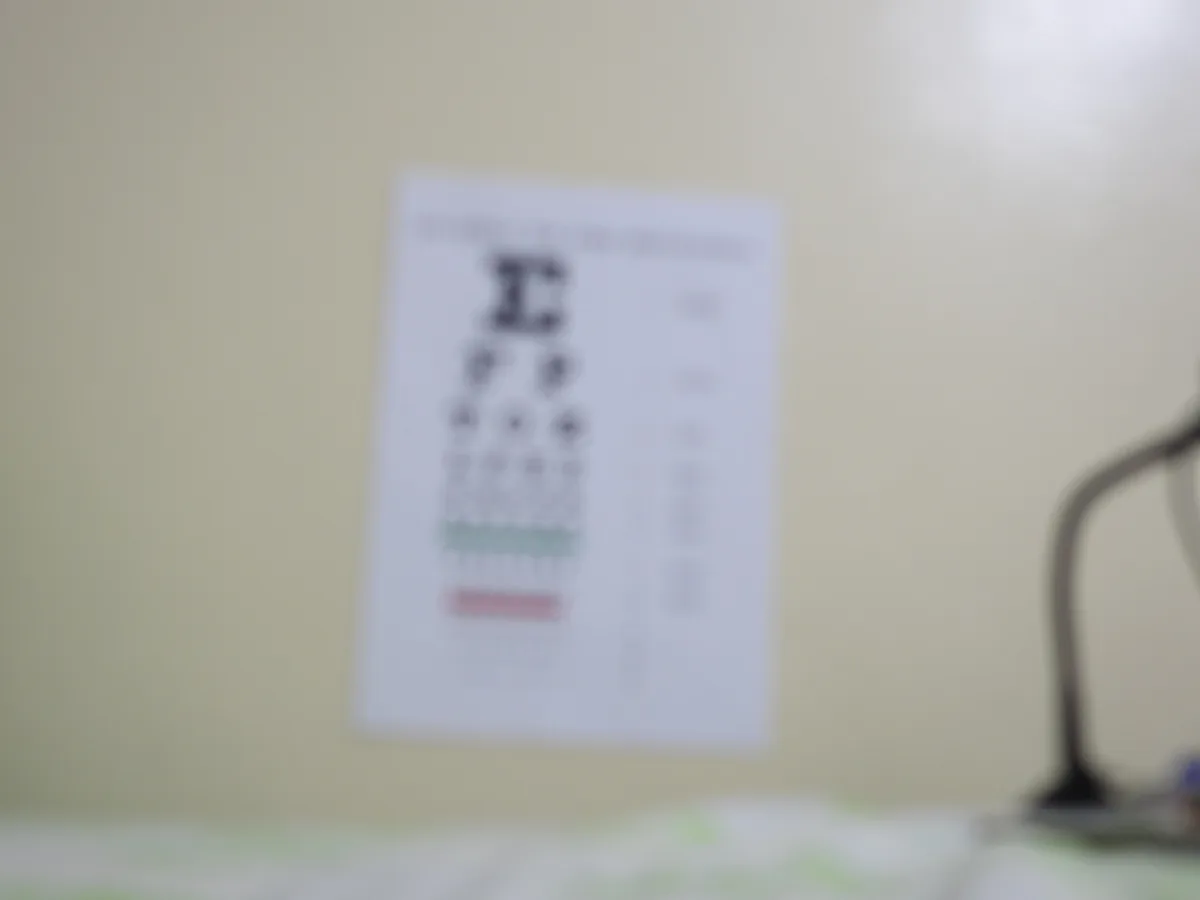
The consequence of shrinking is the one Anthropic spells out: resizing “might, for example, make text less legible”. A phone photo of a whole page, reduced to fit, can go the way of the eye chart above: the headline survives, the small print may not.
The fix is to send less picture and more subject. Fill the frame with the part you care about, and photograph documents straight on. Anthropic adds a sensible caution in the other direction: do not crop away the context the model needs just to make the text bigger.
Then it is cut into squares
Once the size is settled, the image is covered in a grid. Claude uses squares of 28×28 pixels and OpenAI’s current models use 32×32, and the squares are counted as tokens, the same unit text is counted and billed in. Gemini’s budget system hides the grid but ends in the same place: a number of tokens per image.
Here is what that means for one large image, by each vendor’s published rules:
| Model and setting | Largest image it keeps | Tokens for one large photo |
|---|---|---|
| Claude 4.7 and later | 2,576 px long edge | at most 4,784 |
| Earlier Claude models | 1,568 px long edge | at most 1,568 |
| Gemini 3 and 4, default | a fixed budget per image | about 1,120 |
| OpenAI GPT-6 Astra and GPT-5.6, “low” | 512×512 px | at most 308 |
| OpenAI GPT-6 Astra and GPT-5.6, “high” | 2,500 squares | at most 3,000 |
| OpenAI GPT-6 Astra and GPT-5.6, default | full size | about 14,400 for a 12-megapixel photo |
The Claude and Gemini rows are the vendors’ own figures. The OpenAI rows are our arithmetic on OpenAI’s published rule: count the squares needed, then multiply by 1.2 on these models. The same rule produces the worked examples OpenAI gives for GPT-6 Astra: a 1024×1024 image comes to 1,229 tokens, and a 2048×2048 image at “high” is scaled to 1600×1600 and comes to 3,000.
If you are using the API, those tokens are on the bill. Anthropic prices its own examples: at Claude Haiku 4.5’s $1 per million input tokens, a 1000×1000 image costs about $1.30 per thousand images; at Claude Opus 5.5’s $4 per million, about $5.18 per thousand, and a 4K image about $19.14 per thousand.
If you are using a chat app, you are not billed per token, but those tokens still take up room in the conversation’s context window. A long chat with a dozen full-size photos in it is a long chat, whether or not you typed much.
What the vendors say it gets wrong
This is the most useful part of the documentation, and it sits at the bottom of each page. Anthropic and OpenAI each publish a list of limitations; Google’s image guide offers tips instead, so a dash in its column means “not stated”, not “not a problem”.
| Weak spot | Anthropic | OpenAI | |
|---|---|---|---|
| Small, blurry or low-resolution images and small text | Yes, including images under 200 px | Yes: “enlarge text” | Tip: use clear images |
| Rotated or upside-down images | Yes | Yes | Tip: check rotation |
| Counting objects | Approximate | Approximate | — |
| Exact positions in the image | Approximate | Struggles | — |
| Graphs where line styles or colours vary | — | Yes | — |
| Text in non-Latin scripts, such as Japanese or Korean | — | Yes | — |
| Panoramic and fisheye images | — | Yes | — |
| Medical scans such as CT | Not designed for them | Not suitable | — |
| Telling whether an image is AI-generated | Cannot | — | — |
Read down the table and notice what the rows describe: reading the small print on a receipt, counting stock on a shelf, pulling figures off a chart, checking where things are on a floor plan. These are not exotic edge cases. They are the ordinary things people photograph for an AI to read.
None of which makes image input useless. It means the output is a reading that can be confidently wrong, and that the risk is highest exactly where the details matter most.
How to get a reading you can trust
- Upright and sharp. All three vendors ask for it. Rotate the photo before sending, and retake it if you would struggle to read it yourself.
- Fill the frame with what matters. One receipt, not the whole desk. One page, not the open book.
- Label multiple images. Anthropic suggests introducing each one with a short label, such as “Image 1:” and “Image 2:”, so that you and the model can refer to them unambiguously.
- Do not worry about order. Anthropic says Claude works best with the image before your text; Google says to put the text first for a single image. Anthropic adds that either way still performs well. If the vendors disagree, it is not the thing that will save you.
- Ask it to transcribe before it interprets. This is our suggestion, borrowed from the quote-first advice vendors give for long documents. A transcription can be checked against the photo in seconds; a conclusion cannot.
Before answering, write out every piece of text and every number you can read in this
image, exactly as it appears. Mark anything you can't read clearly with [?].
Then answer: [your question]
How you know it failed: a [?] on a number you need, or a transcribed figure that does not match the photo. Either way, retake the picture or type the number in yourself. And treat any count or total as a draft until you have checked it, the same way you would check any other AI claim.
What it cannot tell you
Whether a picture is real. Anthropic says plainly that Claude “cannot determine whether an image is AI-generated” and should not be relied on to detect fakes. The same goes for text: an AI detector cannot prove someone used AI either, which is myth 4 on our list.
Where or when a photo was taken, unless it shows. Anthropic’s and OpenAI’s documentation both say the model does not receive or process an image’s metadata, and OpenAI adds that original file names are not processed either. So the model has no access to the location or date your phone stored in the file. Anything it says about either is inferred from what is visible in the frame. Google’s image guide does not address metadata.
The thing worth remembering
The model reads a copy of your image, cut into squares and often shrunk to fit. A useful rule of thumb: if you could not read something in a small, slightly soft version of your photo, do not assume the model could. And when the answer depends on a number, ask it to show you what it read before you trust what it concluded.